

Internet security is a topic that concerns everyone. In the age of increasing cyberattacks and threats, it’s essential to protect your data and privacy online. Here are some key principles to help you stay safe:
1. Check for a padlock next to the website address
Always ensure the website you visit has a padlock icon next to the URL. The padlock indicates the site uses HTTPS protocol, encrypting the data exchanged between you and the website. Avoid entering sensitive information on sites without this icon.
2. Use strong passwords
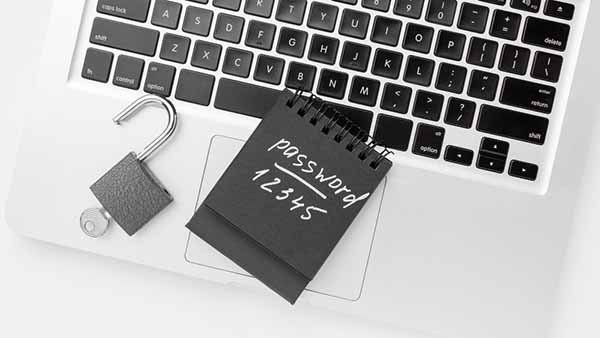
Your password is the first line of defense for your account. Create passwords that are at least 16 characters long, comprising uppercase and lowercase letters, numbers, and special symbols. Avoid obvious phrases like “123456” or “qwerty.”
3. Don’t reuse passwords across accounts
Using the same password for multiple services is a common mistake. If one site’s data is breached, other accounts become vulnerable. Generate unique passwords for each account and store them in a password manager.
4. Enable two-factor authentication (2FA)
2FA adds an extra layer of security, requiring a second authentication method, such as a code via SMS, an authenticator app, or a physical key.
5. Keep your software up to date
Updates often include security patches. Ensure your operating system, browser, and apps are always updated.
6. Avoid clicking on suspicious links
Phishing is one of the most common methods of data theft. Never click on links from unknown senders and always verify if the URL looks legitimate.
7. Use a VPN
A VPN protects your privacy by encrypting your internet connection. This is especially important when using public Wi-Fi networks.
8. Stay informed
Security is a continuous process. Regularly follow the latest tips on data protection and cybersecurity.



 EN
EN  ES
ES  DE
DE  FR
FR  IT
IT  PT
PT  PL
PL  SK
SK  CS
CS